Share:
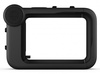
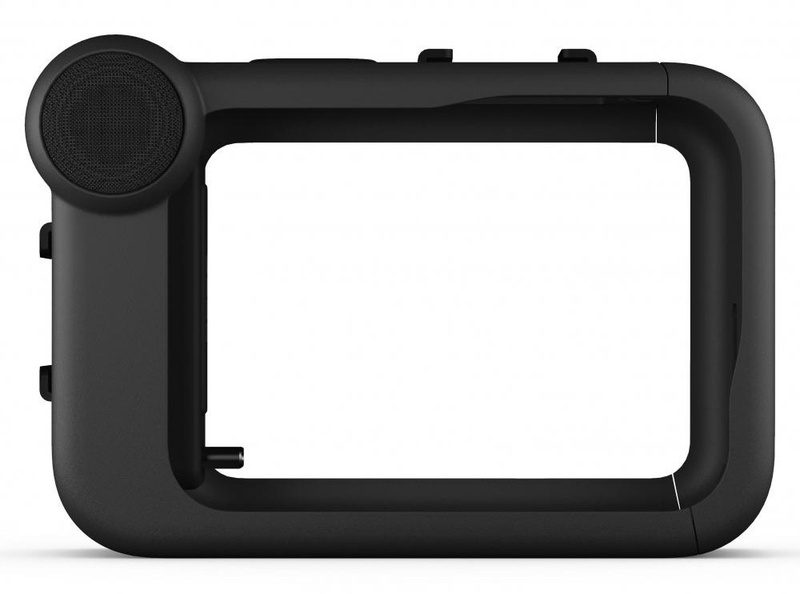
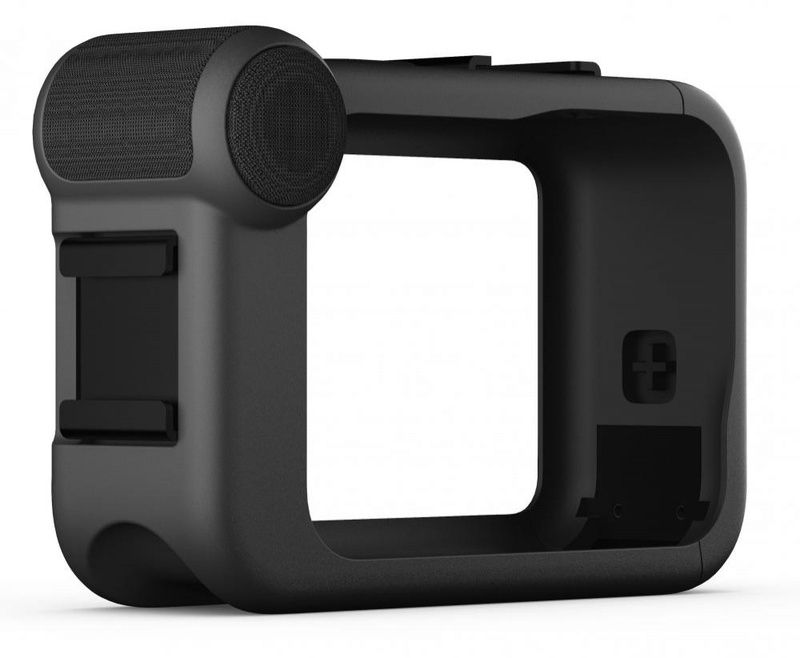
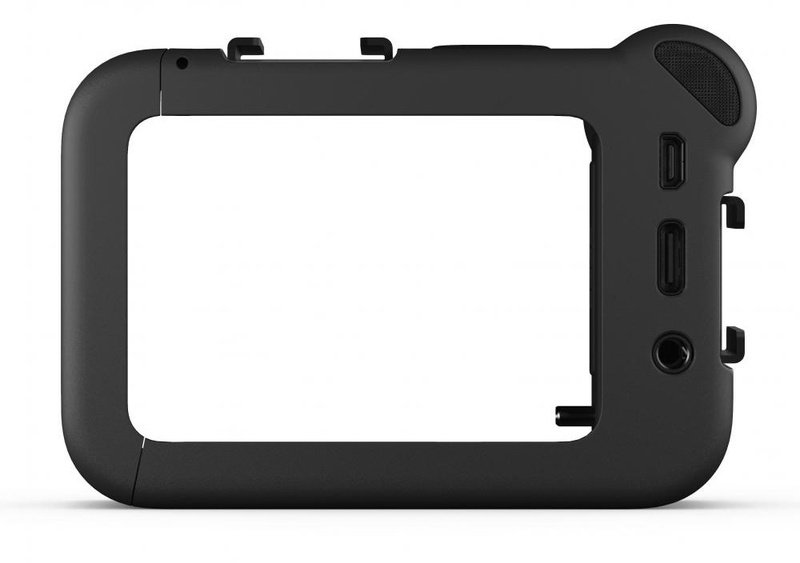
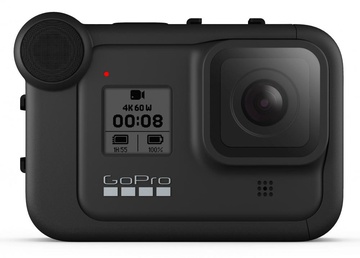
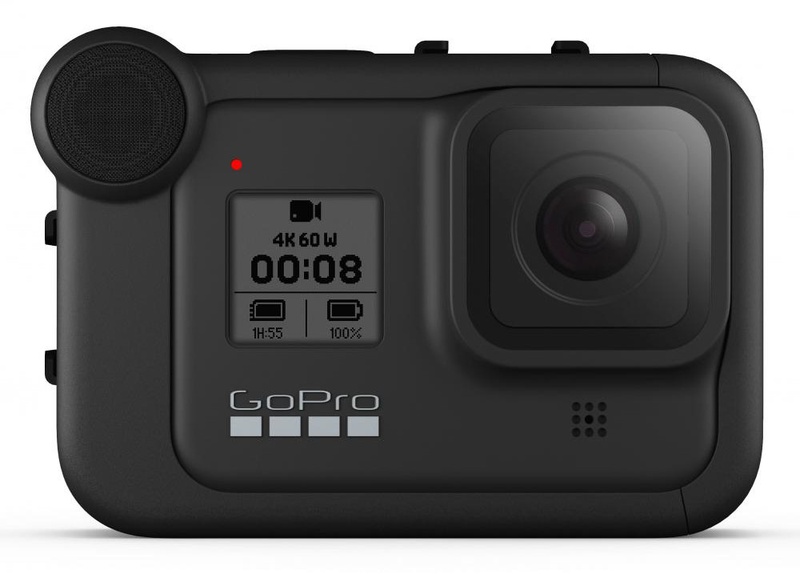
Media module GoPro Media Mod (AJFMD-001)
Product code: 163882
Not available
Delivery:
Specify the prices for delivery and terms at the order, the prices can change.
- Pickup: 3-A Antonovycha Str...
- In Kiev: 300 uah
- In Ukraine: by Nova Poshta
Specify the prices for delivery and terms at the order, the prices can change.
You might also like
![GoPro Media Mod (AJFMD-001)]()
GoPro Wrist Housing (AHDWH-001) 599 uah![GoPro Media Mod (AJFMD-001)]()
SP POV Dive Buoy for GoPro Blue 339 uah![GoPro Media Mod (AJFMD-001)]()
GoPro Composite Cable (ACMPS-301) 599 uah![GoPro Media Mod (AJFMD-001)]()
SP POV Dive Buoy for GoPro Yellow 339 uah![GoPro Media Mod (AJFMD-001)]()
GoPro Зарядное устройство (AWALC-001) 799 uah![GoPro Media Mod (AJFMD-001)]()
GoPro AHDAF-301 99 uah![GoPro Media Mod (AJFMD-001)]()
SP Gadgets Remote Pole 23" Small (53020) 2 770 uah![GoPro Media Mod (AJFMD-001)]()
GoPro Автомобильное ЗУ Auto Charger (ACARC-001) 699 uah


Specs GoPro Media Mod (AJFMD-001)
- Manufacturer
- GoPro
- Type
- Media Module
- Compatibility
- GoPro HERO8
- Material
- Plastic
- Color
- Black
- Description
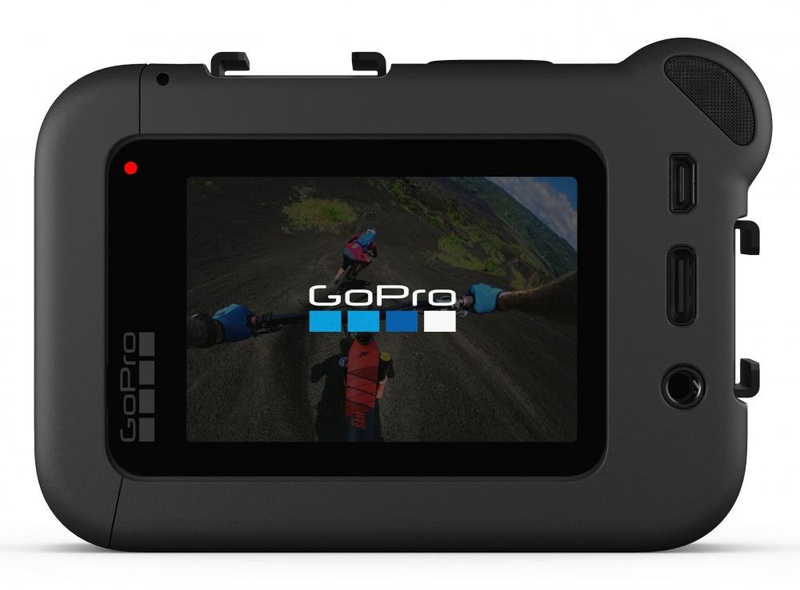
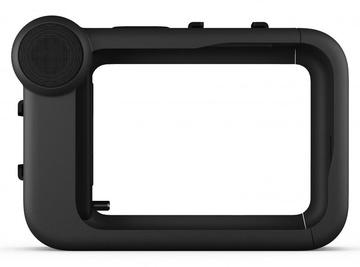
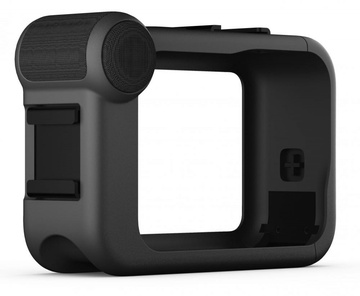
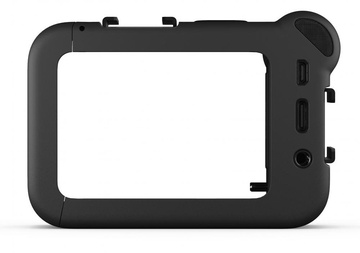
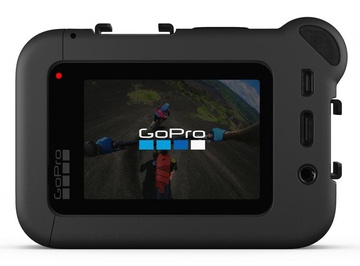
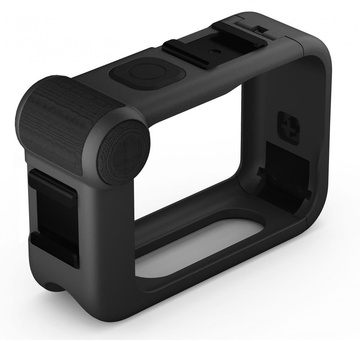
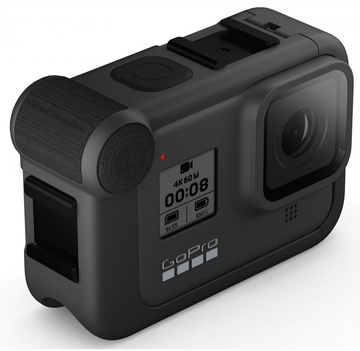
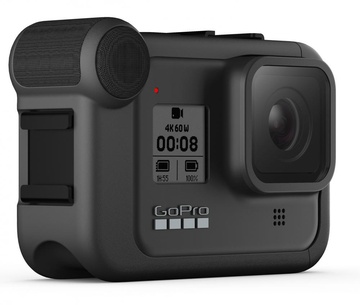
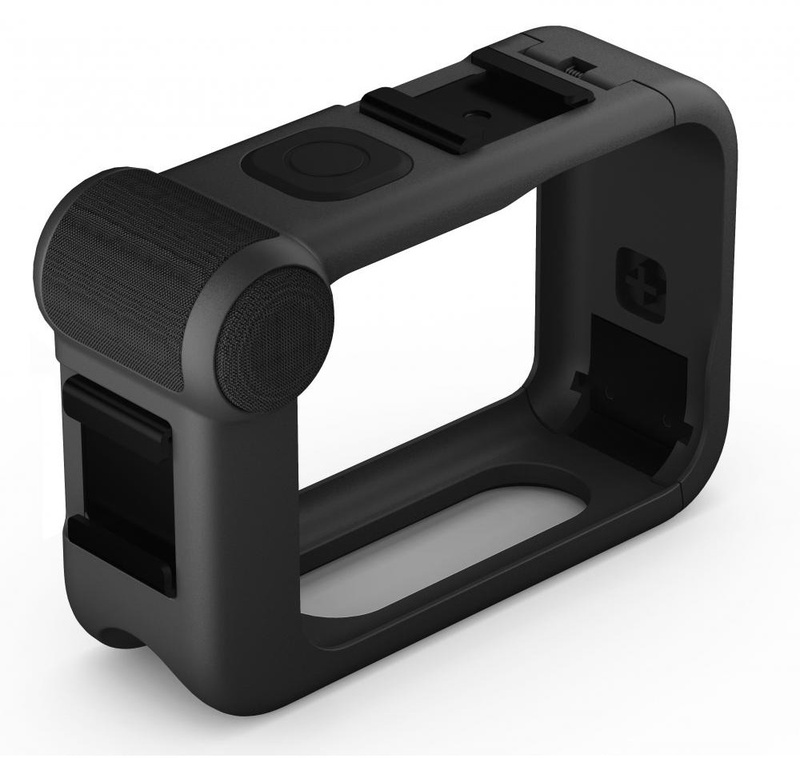
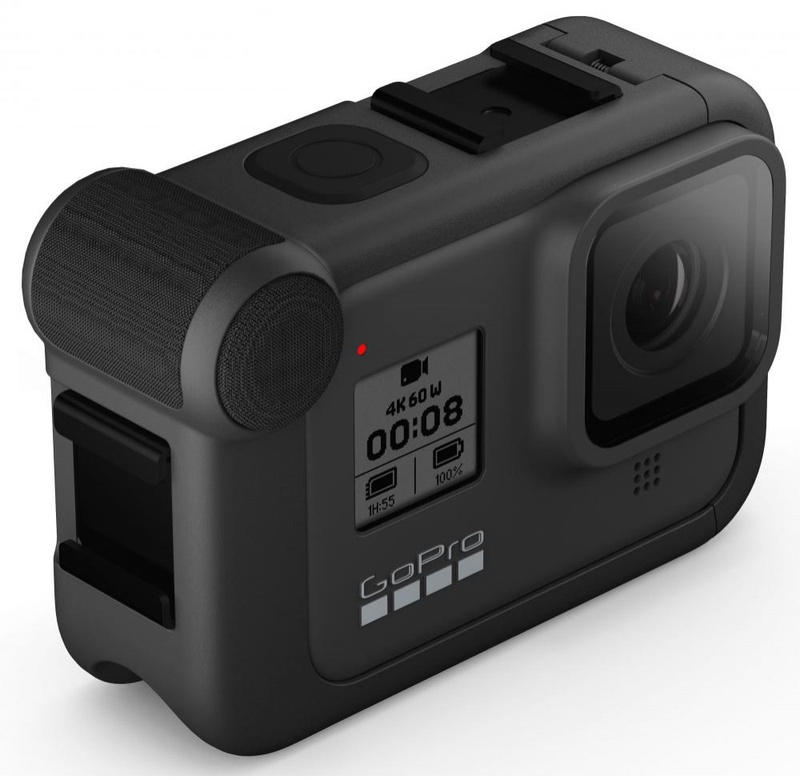
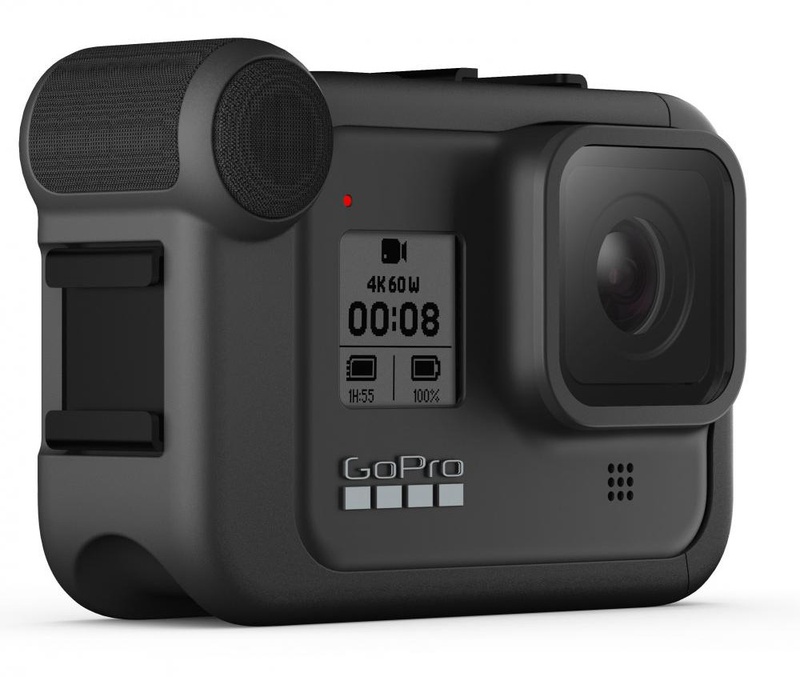
- A media module with a built-in microphone allows you to record studio-definition audio on a GoPro HERO8 camera. If you often shoot video reviews, take interviews or conduct a video blog, and the sound recording quality is no less important than the image, buy a media module with a built-in microphone and an HDMI input for the GoPro HERO8 External Mic + HDMI Adapter camera. The module is made in the best traditions of GoPro - reliability and high quality. The frame is equipped with a microphone operating in three modes: front, rear and general. Each one is selected in the action camera settings independently. When connecting a gadget to an accessory, general audio capture works by default. The front microphone is useful for bloggers who interview and communicate with a guest in front of the camera. The media module clearly captures the voices of the speakers, cutting off external noise at a distance of one and a half meters from the gadget. If necessary, you can increase the sensitivity of the microphone in the HERO8 menu. Rear sound capture will be required by travel bloggers. Shoot videos and tell about the sights and history of the city you are reviewing. The module will record only what you say and will not record the hubbub of the crowd of tourists and the surrounding noise. The functionality of the media module is not limited to microphones. There are two "cold shoe" mounts on the case for installing additional light or a receiver for wireless "buttonholes". If you're shooting a movie and you need to record the actors' lines, you can't do without individual microphones. The media module has interfaces for additional accessories. The HDMI port is made for connecting to a TV and viewing captured videos and photos during a vacation. 3.5mm jack for connecting microphones and headphones. In order not to take the camera out of the frame, there is an external USB-C for charging during or after filming. Installing HERO8 in a media module is simple. Remove the side cover of the camera, open the frame of the module and insert the camera into the slots. After that, the GoPro will automatically turn on and inform you about the connection of the accessory. Then it remains to select the necessary settings and you can start shooting. Please note: Before connecting, make sure that the latest firmware update is installed in the action camera.
Pictures of GoPro Media Mod (AJFMD-001)
We guarantee

100% guarantee of authenticity
We only sell original GoPro products. Counterfeits are found, but not us. Be careful.

Refund without hassle
We will refund money or exchange new goods for 14 days.

Easy payment
Cash on delivery, by card on website.

Shipping throughout Ukraine
Our operators will tell you about the terms of sending and delivery after calling for confirmation.
Viewed products
![DJI FPV Goggles V2 (CP.FP.00000018.01)]()
DJI FPV Goggles V2 (CP.FP.00000018.01) Not available![Electrolux Pure F9 PF91-4ST]()
Electrolux Pure F9 PF91-4ST Not available![OnePlus 9 12/256GB Arctic Sky]()
OnePlus 9 12/256GB Arctic Sky Not available![GoPro Media Mod (AJFMD-001)]()
GoPro Media Mod (AJFMD-001) Not available![WIWU Alpha Case for iPad 10.2'' Blue]()
WIWU Alpha Case for iPad 10.2'' Blue Not available![Vitek VT-2517]()
Vitek VT-2517 Not available![Liebherr IKB 3510]()
Liebherr IKB 3510 Not available![Viadrus Hercules U22 D 8]()
Viadrus Hercules U22 D 8 Not available![Asus Strix 7.1]()
Asus Strix 7.1 Not available![Mastercook GC 64 SI]()
Mastercook GC 64 SI Not available![Ballu BSQ-12HN1]()
Ballu BSQ-12HN1 Not available![Tenko Премиум 4,5 220]()
Tenko Премиум 4,5 220 Not available![Lenovo C2 Black]()
Lenovo C2 Black Not available![Kalunas KGC-7221]()
Kalunas KGC-7221 Not available![Panasonic CS/CU-YE12MKE]()
Panasonic CS/CU-YE12MKE Not available![AEG KR8403021M]()
AEG KR8403021M Not available![Polaris PRE L 0715]()
Polaris PRE L 0715 Not available![Ajax IBR-102M cчитыватель]()
Ajax IBR-102M cчитыватель Not available![Candy CVFT G374TMH-S]()
Candy CVFT G374TMH-S Not available![Gorenje NRK6201MX4]()
Gorenje NRK6201MX4 Not available![Honor 8A 2/32GB Gold]()
Honor 8A 2/32GB Gold Not available![SMEG HBF02PBEU]()
SMEG HBF02PBEU Not available![Optoma X355 (95.74F02GC0E)]()
Optoma X355 (95.74F02GC0E) Not available![Thule AllTrail 45L Men's / Obsidian (3203531)]()
Thule AllTrail 45L Men's / Obsidian (3203531) Not available![Baseus Amblight Digital Display 20000 mAh Black (PPALL-LG01)]()
Baseus Amblight Digital Display 20000 mAh Black (PPALL-LG01) Not available![ECOVACS Service Kit for DEEBOT SLIM/SLIM2 (DA60-KTA)]()
ECOVACS Service Kit for DEEBOT SLIM/SLIM2 (DA60-KTA) Not available![Greta 1470-ГЭ-41 А W]()
Greta 1470-ГЭ-41 А W Not available![Ventolux HG430-M1G CEST (IVORY)]()
Ventolux HG430-M1G CEST (IVORY) Not available![Philips Satinelle Essential BRP533/00]()
Philips Satinelle Essential BRP533/00 Not available![Blackview A60 2/16GB Black]()
Blackview A60 2/16GB Black Not available![TOSOT LYRA TWO STAGE GV-24W2S]()
TOSOT LYRA TWO STAGE GV-24W2S Not available![VES EK9150-S10]()
VES EK9150-S10 Not available![Dell Alienware 17 (A77161DDW-46)]()
Dell Alienware 17 (A77161DDW-46) Not available![Samsung VC-C5482]()
Samsung VC-C5482 Not available![Gree GWH018QB-K3DNB6G]()
Gree GWH018QB-K3DNB6G Not available![Saturn ST-HT7269]()
Saturn ST-HT7269 Not available![Rime Lite 20° 165 мм]()
Rime Lite 20° 165 мм Not available![LG F1296NDS0]()
LG F1296NDS0 Not available![Rotex RJW500-S]()
Rotex RJW500-S Not available![Gefest ДА 622-02 К56 S]()
Gefest ДА 622-02 К56 S Not available![Gorenje GTW7C51B]()
Gorenje GTW7C51B Not available![Choetech PD 20W 5000 mAh Ultra-Thin Magnetic Power Bank White]()
Choetech PD 20W 5000 mAh Ultra-Thin Magnetic Power Bank White Not available![Hansa FCMX58259]()
Hansa FCMX58259 Not available![Liberton LHM-2805]()
Liberton LHM-2805 1 218 uahIn stock![Minola HPL 614 I]()
Minola HPL 614 I Not available![Snaige F10SM-T6002E]()
Snaige F10SM-T6002E Not available![LG F4TURBO9E]()
LG F4TURBO9E Not available![Satechi USB-C Multiport Adapter 8K with Ethernet V3 Space Gray (ST-P8KEM)]()
Satechi USB-C Multiport Adapter 8K with Ethernet V3 Space Gray (ST-P8KEM) Not available![DOOGEE S41 Plus 4/128GB Vibrant Green]()
DOOGEE S41 Plus 4/128GB Vibrant Green Not available![Minola HDN 6124 BL LED]()
Minola HDN 6124 BL LED 2 760 uahIn stock![WetAir WOH-7Y]()
WetAir WOH-7Y Not available![Brateck Brateck LDT66-C011]()
Brateck Brateck LDT66-C011 857 uahIn stock![Motorola DP 4400E VHF]()
Motorola DP 4400E VHF Not available![Dreame Wireless Vacuum Cleaner P10 PRO]()
Dreame Wireless Vacuum Cleaner P10 PRO Not available![Whirlpool WHK 26402 XP4U]()
Whirlpool WHK 26402 XP4U Not available![Pyramida NX 60 (800) B GWH]()
Pyramida NX 60 (800) B GWH 5 412 uahIn stock![Liberton GC-5601GX]()
Liberton GC-5601GX 14 342 uahIn stock